RydaHub
— Pick-Up & Return
A clear guide for an effortless handover and return
Pick-Up & Return Guide
Clear, simple, and applies to both Guests & Hosts
Confirm
Double-check booking details and arrival time
Inspect
Walk around the car together and note its condition
Handoff
Exchange keys, documents, and start the trip confidently
Return
Meet at the agreed spot, re-inspect, and close the trip
Rental Journey Timeline
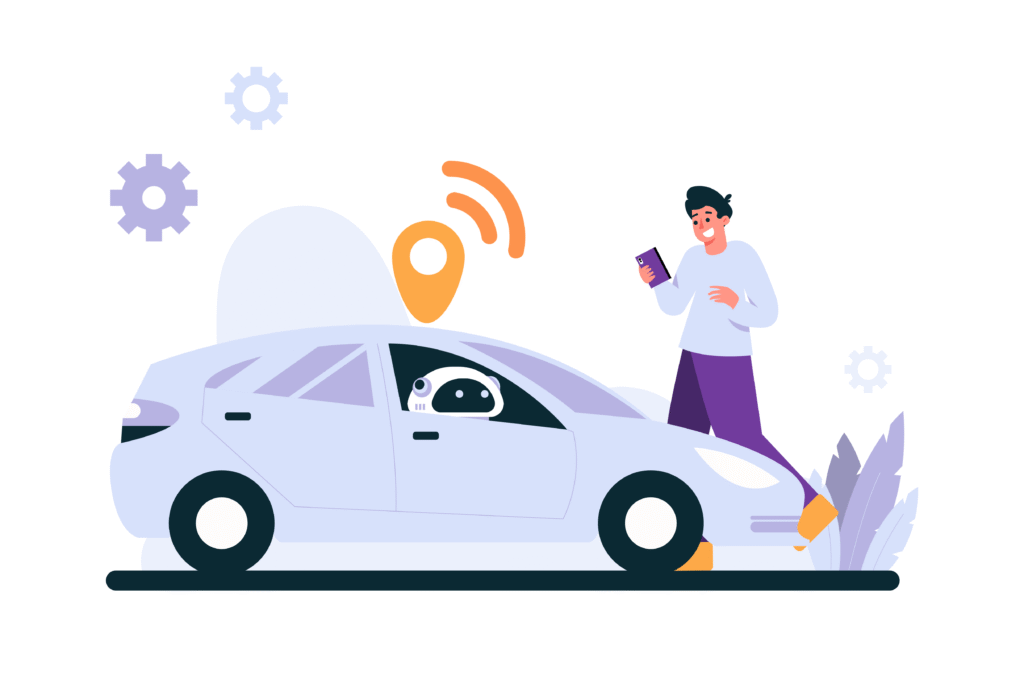
Step 1: Agree on Pick-Up Method
- Guests choose from options: host’s address, contactless drop-off spot, airport pickup, or home/office delivery.
- Hosts confirm availability and may add fees for premium options.
Step 2: Pre-Pick-Up Checklist (Host)
- Clean and fuel the car.
- Document condition with photos.
- Place keys at the agreed handoff point (for contactless option) or prepare for in-person meeting.
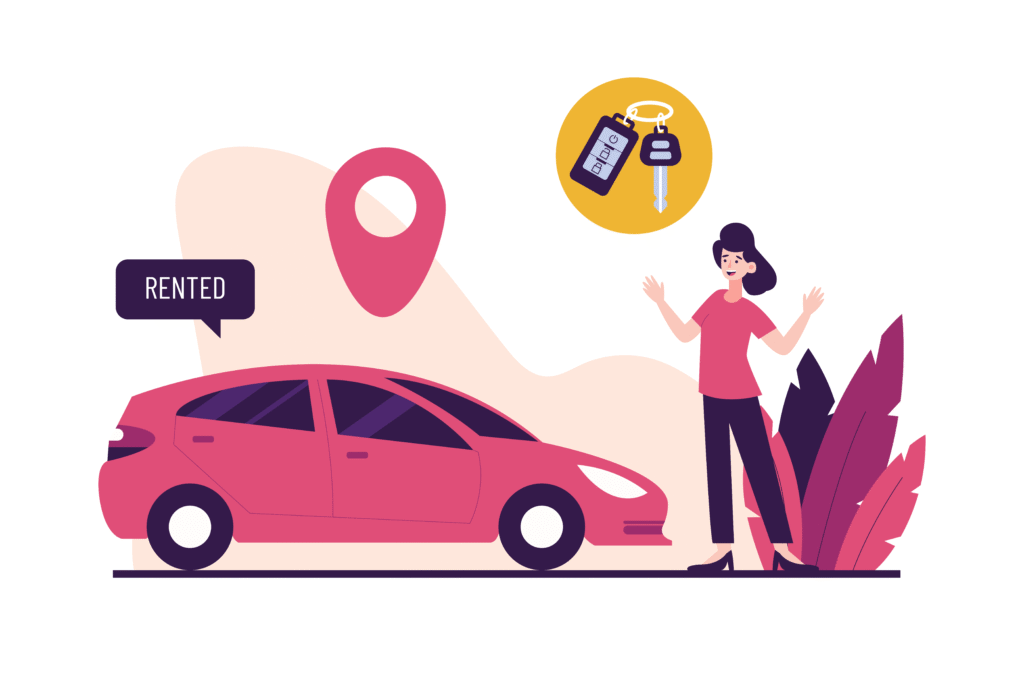
Step 3: Pre-Drive Checklist (Guest)
- Verify ID and booking details.
- Inspect the car and log condition.
- Collect keys (either directly from host or at contactless drop-off spot).
Step 4: During the Trip
- Guests enjoy the ride worry-free with insurance coverage.
- Hosts can track trip status via the RydaHub dashboard.

Step 5: Return Method Selection
- Guests return the car to the agreed location: host’s address, contactless drop-off spot, airport, or other arranged point.
- Hosts confirm the return time and instructions in advance.

Step 6: Return Checklist (Guest)
- Refuel if required.
- Remove personal items.
- Park securely at the agreed spot.
- Return keys (in person or via secure lockbox).

Step 7: Post-Return Verification (Host)
- Inspect car condition.
- Document with photos.
- Close out trip in RydaHub dashboard, triggering payout.
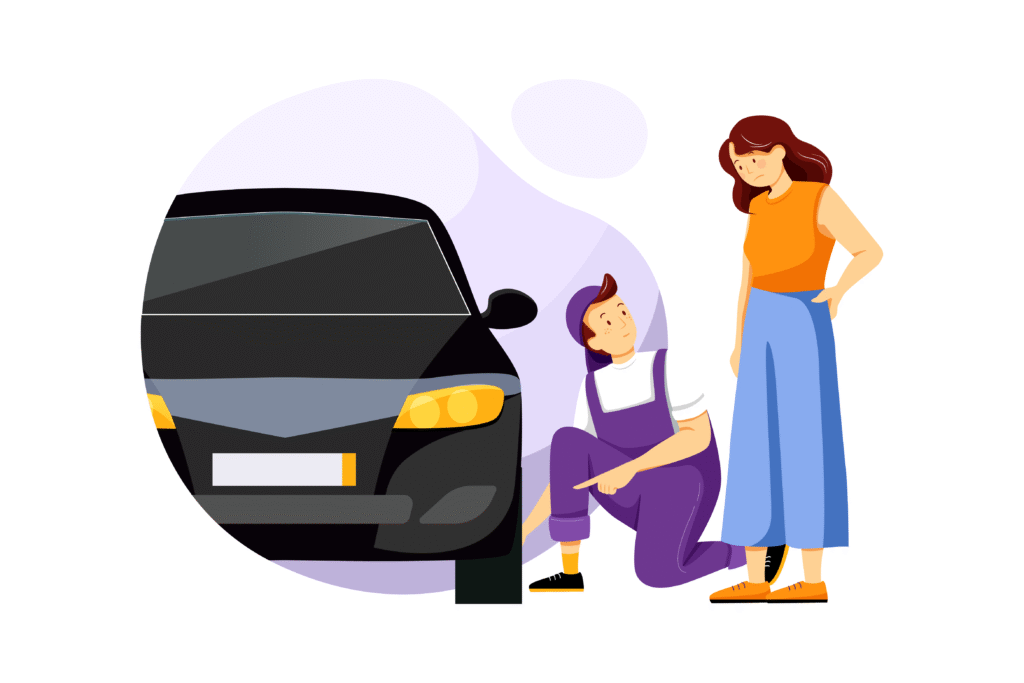
Pick-Up & Delivery Options
From home delivery to contactless spots — explore flexible ways to hand over or receive a car
When you book on RydaHub, you can choose the most convenient way to get your car:
1. Standard Pickup Locations
- Host’s Address: Pick up directly at the car owner’s registered location.
- RydaHub Partner Lot/Hub (if available in your city): Central, verified pickup spot for quick handoffs. See the list of partner hubs.
2. Flexible Meeting Points
- Public Transit Stops (bus stations, metro/train terminals).
- Airports: Ideal for travelers landing in town.
- City Landmarks/Hotels: Easy-to-find, safe public places.
3. Home/Office Delivery (Optional)
- Many Hosts offer doorstep delivery to your home, workplace, or hotel for added convenience.
- Delivery fees (if any) are shown upfront before booking.
4. Contactless/Keyless Pickup
- Some cars come with digital lock/unlock technology or lockboxes.
- Enables you to start your trip without meeting the Host in person.

Pick-Up, Drop-Off, & Return Checklists
Before the keys change hands, here’s what both Guests and Hosts need to review
Guest Pick-Up Checklist
Before you drive away, follow these simple steps to ensure a smooth trip:
1. Confirm Identity & Booking
- Show your valid driver’s license to the Host (or through RydaHub’s verification system).
- Confirm your booking details (car, time, duration).
2. Inspect the Vehicle
- Walk around the car with the Host (or alone if contactless).
- Check for scratches, dents, or damages.
- Take clear photos/videos of the car from all angles (RydaHub lets you upload these to your trip record).
3. Check Essentials
- Fuel level / EV charge status.
- Mileage reading.
- Tire condition & lights.
- Safety items (spare tire, jack, fire extinguisher, first aid kit).
4. Understand the Rules
- Ask about special car features (keyless start, EV charging, etc.).
- Confirm fuel/charging policy (return full, same level, etc.).
- Note any driving restrictions (tolls, long-distance trips, off-road use).
5. Secure Your Trip
- Ensure you’ve added insurance or damage waiver coverage.
- Confirm emergency contact and roadside assistance info (available in your trip dashboard).
6. Start Your Trip
- Once all is clear, sign off in the app (or with Host).
- Collect the keys (or unlock digitally).
- Drive off with peace of mind!

Host Drop-Off Checklist
Before your Guest drives away, follow these steps to protect your car and ensure a smooth experience:
1. Verify Guest Identity
- Check the Guest’s driver’s license (must match the name on the booking).
- Confirm trip details (date, time, car booked).
2. Prepare the Vehicle
- Ensure the car is clean inside and out.
- Fuel tank (or EV battery) should be at the agreed level.
- Check tire pressure, lights, brakes, and safety equipment.
3. Document Vehicle Condition
- Walk around the car with the Guest.
- Take clear photos/videos from all angles (upload to RydaHub).
- Note any pre-existing scratches/damages to avoid disputes later.
4. Explain Key Details
- Show the Guest how to start, lock/unlock, and use unique features.
- Share important info:
- Fuel/charging type and return policy.
- GPS/infotainment use.
- Roadside kit location.
5. Confirm Coverage & Rules
- Make sure Guest has insurance/damage waiver selected.
- Remind them of house rules:
- No smoking/pets (if applicable).
- Mileage/toll limits.
- Return time and drop-off location.
6. Handover & Sign Off
- Exchange keys (or enable digital unlock).
- Confirm the trip start in the app.
- Wish them a safe journey.
Return Checklist (Guests & Hosts)
When the trip ends, follow these steps together (or individually if using contactless drop-off):
1. Return on Time & Location
- Guests must return the car at the agreed time and place (Host’s address, meeting point, or delivery option).
- Late returns may incur extra charges (shown in trip details).
2. Check Fuel/Charge Level
- Car should be returned with the same fuel or charge level as at pick-up (unless Host specifies otherwise).
- Hosts should verify this before closing the trip.
3. Inspect the Vehicle Together
- Walk around the car (Guest + Host if in person).
- Take clear photos/videos from all angles.
- Note any new scratches, dents, or damages.
4. Mileage & Condition
- Record the odometer reading.
- Check interior cleanliness (no trash, stains, or odors).
- Confirm all car items (keys, documents, safety kit, accessories) are returned.
5. Close the Trip in the App
- Guest: confirm completion in the RydaHub app.
- Host: verify and finalize the trip record.
- Both sides can upload photos for final verification.
6. Leave a Review
- Guests: rate your Host and the car.
- Hosts: rate the Guest’s responsibility and communication.
- Ratings help build trust and improve the RydaHub community.
7. Handle Any Issues
- If damages or disputes are found, report immediately through the app.
- RydaHub’s insurance & damage waiver coverage will guide the resolution.

RydaHub Says:
“Photos and clear communication are your best protection. They keep the process fair and transparent for both Guests and Hosts.”
Guest & Host Responsibilities
| Stage | Guest Responsibilities | Host Responsibilities |
|---|---|---|
| Before Pick-Up |
|
|
| At Pick-Up |
|
|
| During Trip |
|
|
| At Return |
|
|
| After Return |
|
|
Frequently Asked Questions (Guests + Hosts)
Shared questions that matter to both Guests and Hosts during each trip
What if a Guest is late returning the car?
Late fees may apply; Hosts report delays via RydaHub
What if the car isn’t returned clean or fueled?
Cleaning/refueling fees apply based on the listing policy.
Can pick-up and return locations differ?
Yes, if agreed in advance and noted in the booking.
What happens if the car is damaged?
Insurance applies; Guests may be responsible for deductibles.
What if the Host or Guest doesn’t show up?
RydaHub mediates the case and applies fair no-show policies.