RydaHub
— Rent a Car
Affordable Rides, Anytime You Need Them
Be a Guest (Rent a Car) with these super-easy steps
Your car, your way — anytime you need it.
Our Car Rental Timeline
Step 1: Search & Compare Cars
Browse thousands of vehicles near you by location, price, type, and features. Whether it’s a fuel-efficient sedan, a family SUV, or a luxury ride for a special occasion, RydaHub has you covered.
Step 2: Book With Confidence
Choose your ride and book instantly or request approval from the Host. All bookings are secured through RydaHub’s trusted payment system. Identity and license checks ensure safe, verified drivers.
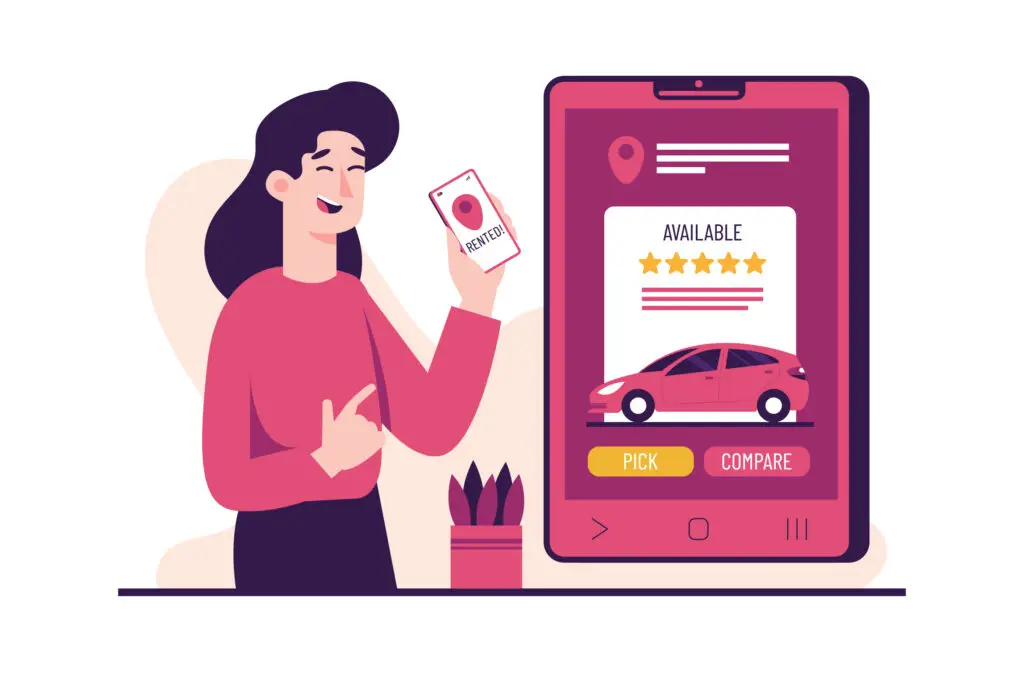
Step 3: Pick Up & Drive
Coordinate pickup or delivery with your Host. Complete a quick handoff inspection. Hit the road with insurance or damage waiver options protecting your trip.

Step 4: Return Smoothly
Return the car at the agreed time and place. Refill fuel (if required) and hand back the keys. Leave a review — help the community grow!

Why Guests Love RydaHub
Wide Car Selection
From economy rides to SUVs and premium cars, choose what fits your trip
Transparent Pricing
No hidden fees; upfront costs and insurance shown before booking
Flexible Pick-Up Options
Host’s address, meeting points, airport pickup, or even home/office delivery
Contactless Handoffs
Pick up or return the car at a pre-arranged location without meeting the host in person
Fair Cancellation Policies
Cancel within set windows with minimal or no charges
Insurance & Damage Waiver
Drive with peace of mind, knowing you’re protected
Verified Hosts & Cars
All vehicles and owners undergo verification checks
Secure Payments
Book confidently with Stripe-powered payments and fraud protection
24/7 Support
Always-available customer care for emergencies or assistance
Trip Protection Tools
Upload pre- and post-trip photos to avoid disputes
Community Reviews
See real feedback from other Guests before booking
Roadside Assistance
Access help in case of breakdowns or emergencies
Easy Extensions
Extend your booking from within the app if you need more time
Seamless Mobile Access
Manage everything from your phone (search, book, verify, review)
Know Before You Start
What You Can Do on RydaHub
Book With Confidence
Browse cars that fit your needs, budget, and style
Pick Your Way
Choose from multiple pickup options — host’s address, contactless spots, airport handoff, or even delivery to your home/office
Ask Questions
Message hosts before booking to clarify rules or special requests
Add flexibility
Include extra drivers (if approved), extend trips, or select flexible drop-off spots
What You Cannot Do on RydaHub

Unlicensed Driving
Drive only with a valid, approved driver’s license.
Illegal or Reckless Use
Cars cannot be used for unlawful purposes, racing, or off-road driving (unless host permits)
Smoking or Restricted Items
Avoid smoking, carrying pets, or exceeding mileage if the host prohibits it
Late or Improper Returns
Always return the car on time and in proper condition
Options Available to You

Insurance Choices
Select the coverage level that matches your comfort. Click here to learn more
Convenience Add-ons
Premium pickup/delivery, extra miles, roadside assistance
Trip Adjustments
Request extensions or changes through the app/website
What RydaHub Provides

Verification System & Secure Platform
ID checks and a safe booking process for peace of mind
Protection and Support
Built-in insurance plus 24/7 roadside assistance
Safe Transactions
Transparent pricing with secure, reliable payments
Fair Resolutions
Quick dispute handling to keep things smooth
Frequently Asked Questions
Answers to common questions every Guest asks before booking a ride.
How do I book a car on RydaHub?
Simply search for cars near you, choose the one that fits your needs, and complete your booking with secure payment. You’ll receive confirmation instantly.
What documents do I need to rent a car?
You need a valid driver’s license and must meet the minimum age requirement (varies by region). In some cases, additional ID may be requested for verification.
Is insurance included in my booking?
Yes — RydaHub offers insurance and damage waiver options at checkout. You can select the coverage that best fits your trip for peace of mind.
Are there extra fees I should know about?
The total cost of your rental—including the daily rate, any mileage limits, optional extras, and service fees—will be shown upfront before you book. No hidden charges.
Can I cancel or change my booking?
Yes — you can cancel or modify bookings according to our Cancellation & Refund Policy. The exact refund depends on how close to the trip start you cancel.
Where can I pick up the car?
You can pick up the car at the Host’s location, a RydaHub partner hub, airport, or even arrange for home/office delivery if offered by the Host.
What if a car breaks down or there’s an emergency?
RydaHub provides 24/7 customer support and roadside assistance options for emergencies, ensuring peace of mind during your trip.
What if the car has issues at pickup?
Always inspect the car and take photos before starting your trip. If there’s a serious issue, contact the Host immediately and report through the RydaHub app.
What happens if I return the car late?
Late returns may incur additional fees. These are clearly stated in your booking terms before you confirm.
What if I get into an accident or breakdown?
Your insurance/damage waiver will guide coverage. Plus, RydaHub provides 24/7 roadside assistance for emergencies.
Can I extend my trip if I need the car longer?
Yes — you can request a trip extension directly in the app, subject to Host approval.
How do reviews work?
At the end of your trip, you’ll review your Host and car, and they’ll review you as a Guest. This builds trust in the RydaHub community.